Is Your Laptop GPS Not Working Properly? Let Kartik Computers Fix It in Nagpur!
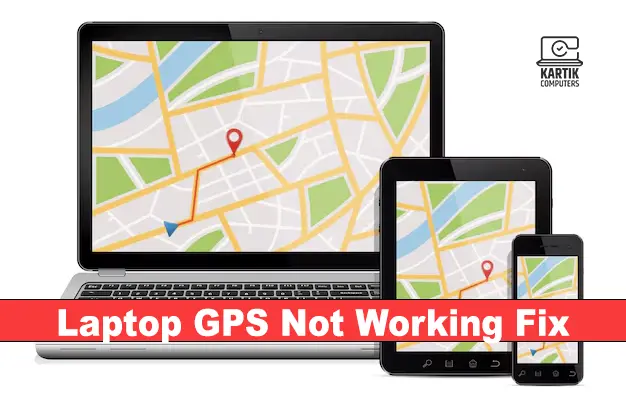
Whether you’re using your laptop for navigation, fleet tracking, geolocation services, or remote work, a non-functional GPS module can disrupt essential tasks. If your device can’t detect your location or displays inaccurate coordinates, it’s time for a professional diagnosis. At Kartik Computers, Nagpur, we offer expert GPS module repair and configuration services to restore full geolocation functionality in your laptop.
Common Reasons Why Laptop GPS Stops Working
A laptop’s GPS might malfunction for several hardware or software-related reasons. Here are the most frequent issues:
✔ Disabled Location Services – System settings blocking GPS access.
✔ Driver Conflicts – Outdated or incompatible GPS/chipset drivers.
✔ Faulty GPS Module – Internal hardware damage or failure.
✔ Antenna Disconnection – Loose or broken GPS antenna cable.
✔ Third-Party App Conflicts – Security software or apps overriding GPS access.
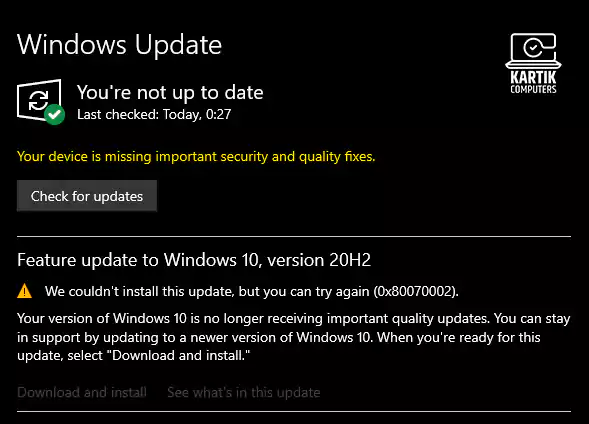
✔ Operating System Bugs – Windows or macOS updates interfering with location services.
✔ BIOS Settings Disabled – GPS module turned off at the firmware level.
Facing issues with updates? Visit: Laptop Software Update Services in Nagpur
How We Fix Laptop GPS Problems at Kartik Computers
We follow a detailed and methodical process to troubleshoot GPS-related issues and restore proper functionality:
1. Initial Assessment & System Analysis
We begin with a detailed diagnostic process:
- Checking Location Settings – Ensuring GPS and geolocation are enabled.
- Running GPS Diagnostic Tools – Testing signal strength and accuracy.
- Device Manager Checks – Looking for driver errors or missing hardware.
- Event Log Analysis – Identifying crashes, service failures, or OS-related issues.
Is your system freezing while loading maps? Check out: Computer Freezing Issues Resolved in Nagpur
2. Driver & Firmware Fixes
Many GPS issues are caused by corrupted or outdated drivers. We resolve this by:
- Installing Correct Drivers – Updating OEM-specific GPS or chipset drivers.
- Rolling Back Updates – Reverting buggy system or driver updates.
- BIOS Configuration – Enabling GPS hardware from system firmware.
- Firmware Patching – Applying latest patches for GPS modules and antennas.
For deeper driver repairs, visit: Virus Removal Services in Nagpur
3. GPS Module Hardware Repair
If the hardware is damaged or malfunctioning, we perform:
- GPS Antenna Replacement – Fixing broken or disconnected antenna cables.
- Module Reseating or Replacement – Ensuring proper connection or replacing faulty units.
- Soldering Repairs – Re-establishing broken joints on the motherboard.
- Signal Calibration – Tuning the GPS module for optimal satellite reception.
For motherboard-level repairs, visit: Laptop and Computer Motherboard Repair in Nagpur
4. Testing & Final Optimization
After repairs, we run thorough testing to confirm accuracy and performance:
- Live Location Testing – Real-time GPS monitoring using location services.
- Satellite Signal Verification – Ensuring strong GPS lock in outdoor/indoor conditions.
- Software Syncing – Testing with maps, delivery software, and location-based tools.
- User Instructions – Tips to avoid future GPS problems and maintain accuracy.
Need SIM functionality with GPS? Visit: Computer SIM Card Slot Repair in Nagpur
Why Choose Kartik Computers for Laptop GPS Repair in Nagpur?
✔ Experienced Technicians – Experts in GPS and wireless communication modules.
✔ Brand Coverage – We repair GPS modules in laptops from Dell, HP, Lenovo, Acer, ASUS, and more.
✔ Advanced Tools – We use professional diagnostic tools for accurate results.
✔ Quick Turnaround – Most GPS issues fixed within a day.
✔ Genuine Spare Parts – Quality replacements that last.
✔ Transparent Pricing – No hidden charges, honest service.
✔ After-Repair Support – We guide you on GPS usage and preventive care.
Need GPS working on a travel laptop? Explore: Laptop Upgrade Services in Nagpur
Tips to Avoid Future Laptop GPS Issues
✔ Keep Drivers Up to Date – Regularly update chipset and GPS drivers.
✔ Use Genuine SIMs/Apps – Avoid using modified or unstable tracking apps.
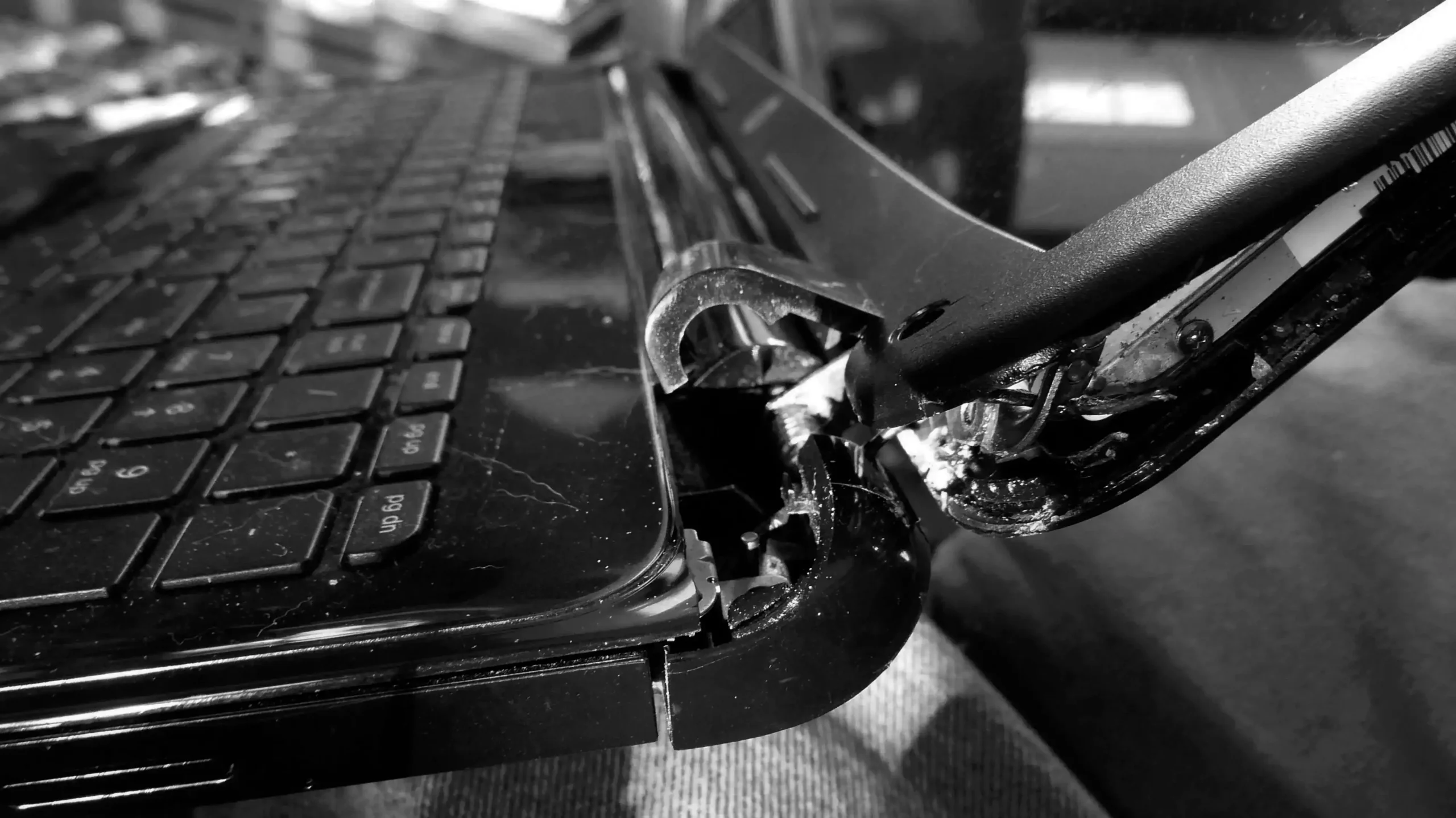
✔ Avoid Physical Damage – Don’t drop or mishandle the device.
✔ Don’t Block the Antenna Area – Maintain good airflow and signal exposure.
✔ Run System Scans – Regularly check for viruses or location-based app conflicts.
Concerned about GPS after water damage? Visit: Water Damage Repair for Laptops in Nagpur
Fix Your Laptop GPS Today at Kartik Computers, Nagpur
A malfunctioning GPS can affect productivity, navigation, and essential services. Don’t delay—get your GPS fixed by professionals at Kartik Computers. We ensure fast, reliable service with long-lasting solutions.
📍 Visit our service center in Nagpur or call us to schedule your repair today.
Also check: Laptop Keyboard Repair in Nagpur