
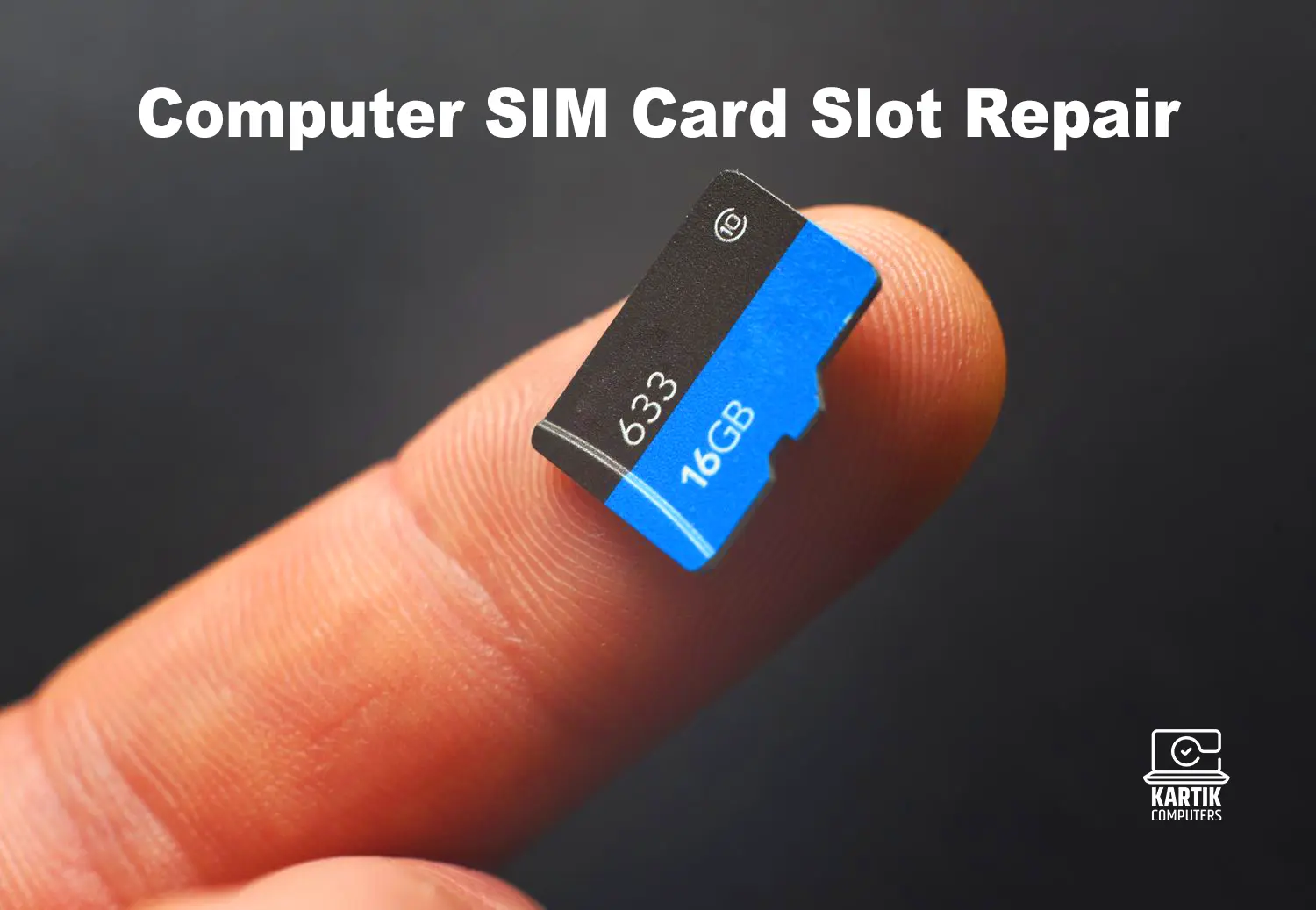
Computer SIM Card Slot Repair in Nagpur – Expert Fixes at Kartik Computers
Is Your Computer SIM Card Slot Not Working? We Can Fix It in Nagpur!
If your computer is not detecting the SIM card or you’re unable to access mobile data, the issue could lie in a faulty SIM card slot. This tiny component plays a crucial role in keeping your machine connected, especially on LTE/5G-enabled laptops. At Kartik Computers, Nagpur, we specialize in diagnosing and repairing SIM card slot issues in all types of computers and laptops, ensuring seamless network connectivity.
Common SIM Card Slot Problems in Computers
Experiencing SIM card detection or connectivity issues? Here’s what might be causing them:
✔ Damaged or Loose SIM Tray – Physical damage due to improper insertion or ejection.
✔ Corroded Contacts – Moisture or dust leading to poor contact with the SIM card.
✔ Software or Driver Issues – OS or firmware not recognizing the slot or SIM.
✔ Broken Slot Connector – Internal disconnection on the motherboard or faulty welds.
✔ Faulty Modem Firmware – Device unable to detect cellular networks due to modem failure.
✔ Unsupported SIM Format – Using micro/nano SIM without adapter can misalign contacts.
Having network issues? Check out: Networking Solution and Support in Nagpur
Our SIM Card Slot Repair Process at Kartik Computers
We use a precise and structured approach to identify and fix SIM slot-related problems:
1. Detailed Diagnosis & Inspection
We begin with a complete analysis, including:
- Visual Slot Inspection – Checking for physical damage or dust accumulation.
- SIM Reader Testing – Testing slot responsiveness with diagnostic tools.
- Software Verification – Ensuring correct drivers, firmware, and modem recognition.
- Connectivity Tests – Running network diagnostics to rule out software/network faults.
For device stuck on boot issues, visit: Computer Stuck on Logo Fix in Nagpur
2. Hardware Repair & Replacement
If the issue is hardware-related, we perform:
- Slot Cleaning & Contact Repair – Fixing misaligned or oxidized SIM pin connectors.
- SIM Tray Replacement – Installing new trays in case of physical damage.
- Soldering & Connector Fixes – Repairing motherboard slot connections or replacing the entire slot.
- Dust & Moisture Protection – Applying nano-coating or sealing to prevent future corrosion.
Need internal component repair? Visit: Computer and Laptop Motherboard Repair in Nagpur
3. Software & Driver Reconfiguration
Sometimes, the problem lies in the system software. We provide:
- Driver Reinstallation – Fixing modem or cellular module drivers.
- BIOS/UEFI Updates – Updating firmware for SIM slot recognition.
- OS Troubleshooting – Ensuring Windows/Mac/Linux detects and accesses the SIM slot correctly.
- Network Settings Reset – Fixing APN or cellular settings for better compatibility.
Concerned about viruses affecting hardware communication? Check: Virus Removal Services in Nagpur
4. Final Testing & Quality Checks
After the repair, we ensure everything is working perfectly with:
- SIM Card Detection Testing – Inserting various SIM cards to ensure proper connectivity.
- Network Speed & Signal Test – Verifying LTE/5G functionality.
- Customer Guidance – Educating on proper SIM handling and tray use.
Need SIM-supported laptop upgrade? Explore: Laptop and Computer Upgrade Service in Nagpur
Why Choose Kartik Computers for SIM Slot Repairs in Nagpur?
✔ Expert Technicians – Skilled in handling internal board-level repairs.
✔ Quick Turnaround – Same-day or next-day repairs for most issues.
✔ Genuine Parts Used – We use high-quality, compatible components.
✔ All Brands Supported – Dell, HP, Lenovo, Acer, ASUS, MacBooks, and more.
✔ Affordable Pricing – Transparent and competitive rates.
✔ Post-Repair Support – Ongoing assistance and warranty on replaced parts.
Need MacBook-specific repairs? Visit: MacBook, Laptop, and Computer Repair Services
Tips to Prevent SIM Slot Damage in Computers
✔ Always Power Off Before Inserting SIM – Prevents static damage.
✔ Use Correct SIM Size – Avoid using loose adapters that can damage the slot.
✔ Keep SIM Slot Clean – Use a blower occasionally to prevent dust buildup.
✔ Handle with Care – Avoid pressing hard or forcing the tray.
✔ Avoid Moisture – Keep devices away from humidity-prone areas.
Spilled liquid on your laptop? Visit: Water Damage Repair for Laptops in Nagpur
Get Your Computer SIM Card Slot Repaired Today in Nagpur
If your computer isn’t detecting the SIM card or showing “No Service,” don’t wait. Let the experts at Kartik Computers, Nagpur, resolve the issue quickly and efficiently. We ensure a fully functional, network-connected system in no time.
📍 Visit our service center today or contact us for trusted and professional SIM slot repairs!
Need a keyboard fix too? Visit: Laptop Keyboard Repair in Nagpur
